When most business owners hear "AI receptionist" for the first time, the picture in their head is one of two things. The first is the menu hell of a big telco hotline. "Press 1 for accounts. Press 2 for technical support. Press 9 to lose your mind." The second is a flat, robotic voice that sounds like a 2014 GPS unit reading a phone number out loud.
Neither of those is what an AI receptionist actually is in 2026. The technology jumped quite a bit in the last 18 months, and the gap between "robotic phone menu" and "natural conversation" has closed faster than most people realise.
But there's also a fair amount of hype, and an honest answer matters more than a sales pitch. Here's what an AI receptionist actually sounds like, what it can do well, and the specific things it still can't.
What it sounds like
The voice is conversational. Full sentences. Natural pauses. It can handle being interrupted without losing the thread. The Australian English version sounds Australian, not American, which matters more than you'd think for trust on the phone. The first thing a customer notices is whether the voice sounds local. If it sounds like a US call centre, they're already pulling back.
The cadence is calm and slightly slower than a typical human. That's deliberate. It gives the customer space to think, and it stops the receptionist from talking over them when they pause to remember a postcode. Sit on the line with one for thirty seconds and the brain just stops cataloguing it as artificial.
It's not perfect. Occasionally it'll mispronounce a Queensland suburb that doesn't follow normal pronunciation rules. Occasionally it'll come back a fraction of a second slower than a human would. But the gap is small enough that most callers don't comment on it, and a meaningful share don't realise they're talking to a system until they're told.
What it can do well
The job an AI receptionist does well is everything routine that takes up most of a normal phone enquiry. Specifically:
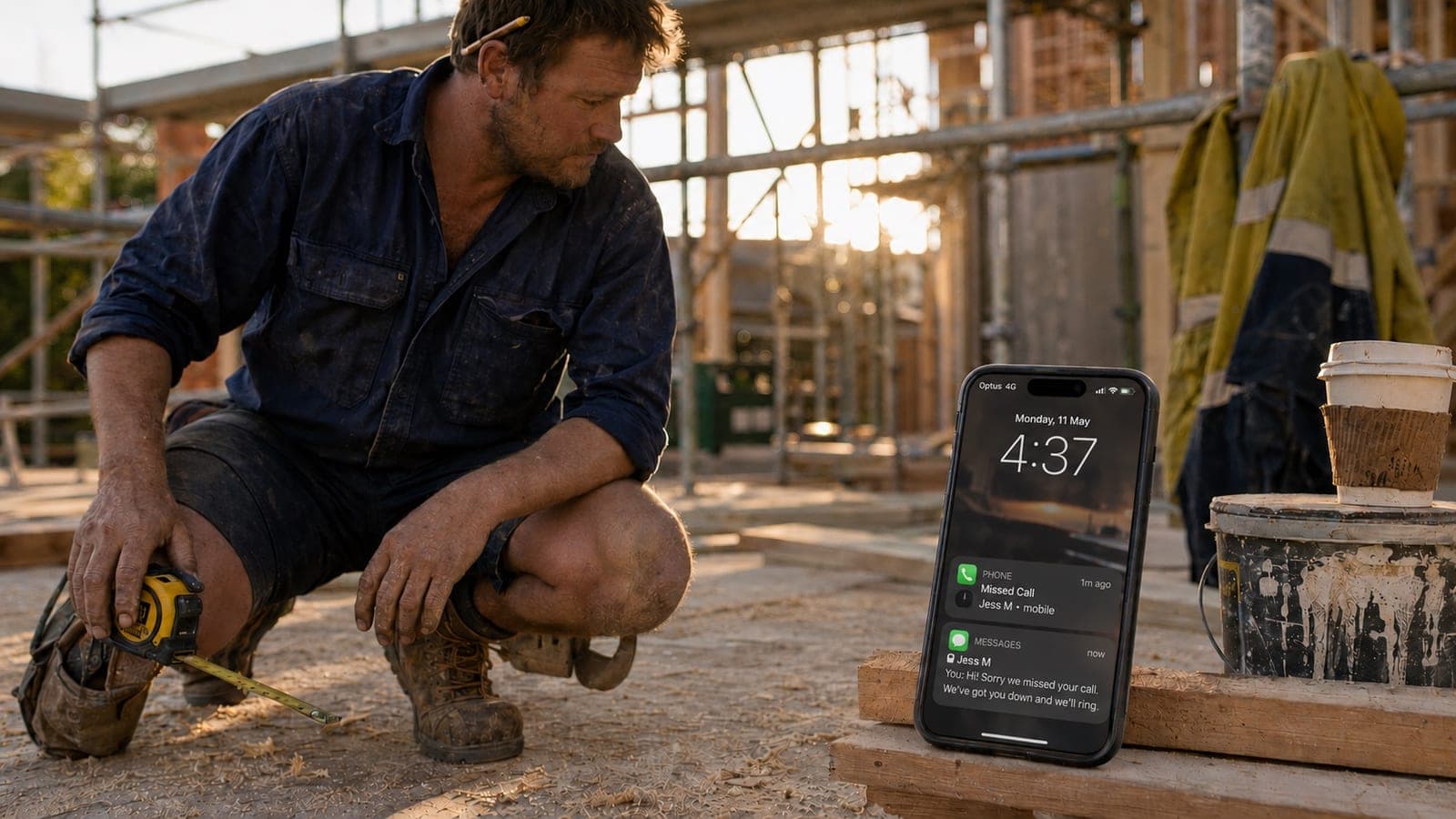
It picks up. Every call, within a second. No matter what time. No matter how many calls are coming in at once. That alone is the biggest single thing it does, because the leak in most service businesses isn't bad calls handled badly, it's good calls not handled at all.
It takes a booking. Name, address, the basic shape of the problem, callback preference, urgency. It's good at this because the structure of the conversation is predictable. The customer rings, says what they need, the receptionist asks the same five or six clarifying questions every time, the details land in the right places.
It qualifies urgency. A burst pipe at 7pm versus a quote for a new deck next month are very different conversations, and a properly set up receptionist asks the right questions to tell them apart. The urgent ones get flagged to the owner's mobile immediately. The non-urgent ones get queued for the next business day. You stop being interrupted on the tools for everything, and you stop missing the genuine emergencies.
It books appointments into the calendar. If you have an online calendar with availability rules, the receptionist can offer specific time slots and confirm a booking on the call. The customer gets a confirmation text. The slot is gone from your calendar by the time you finish your coffee.
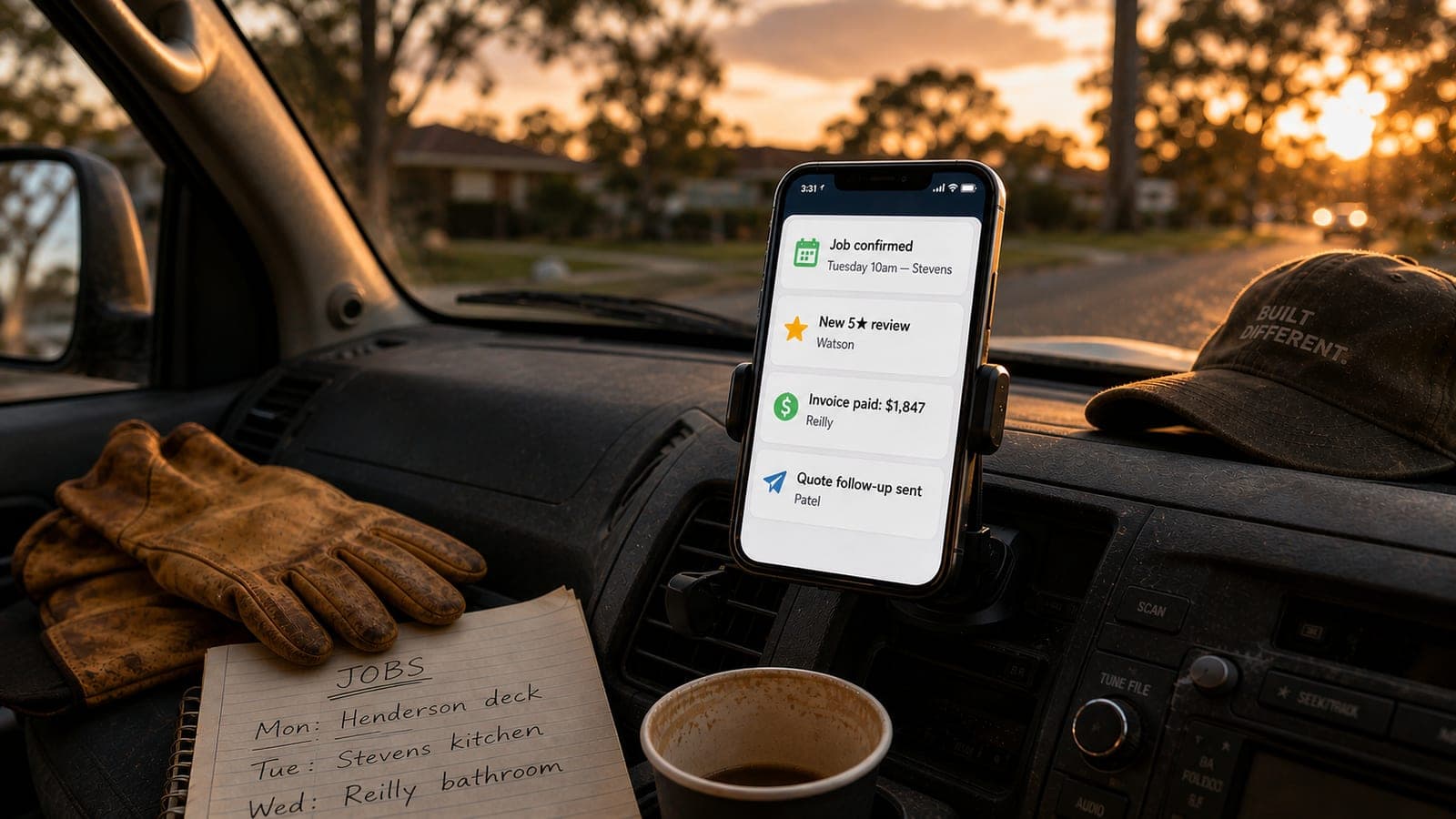
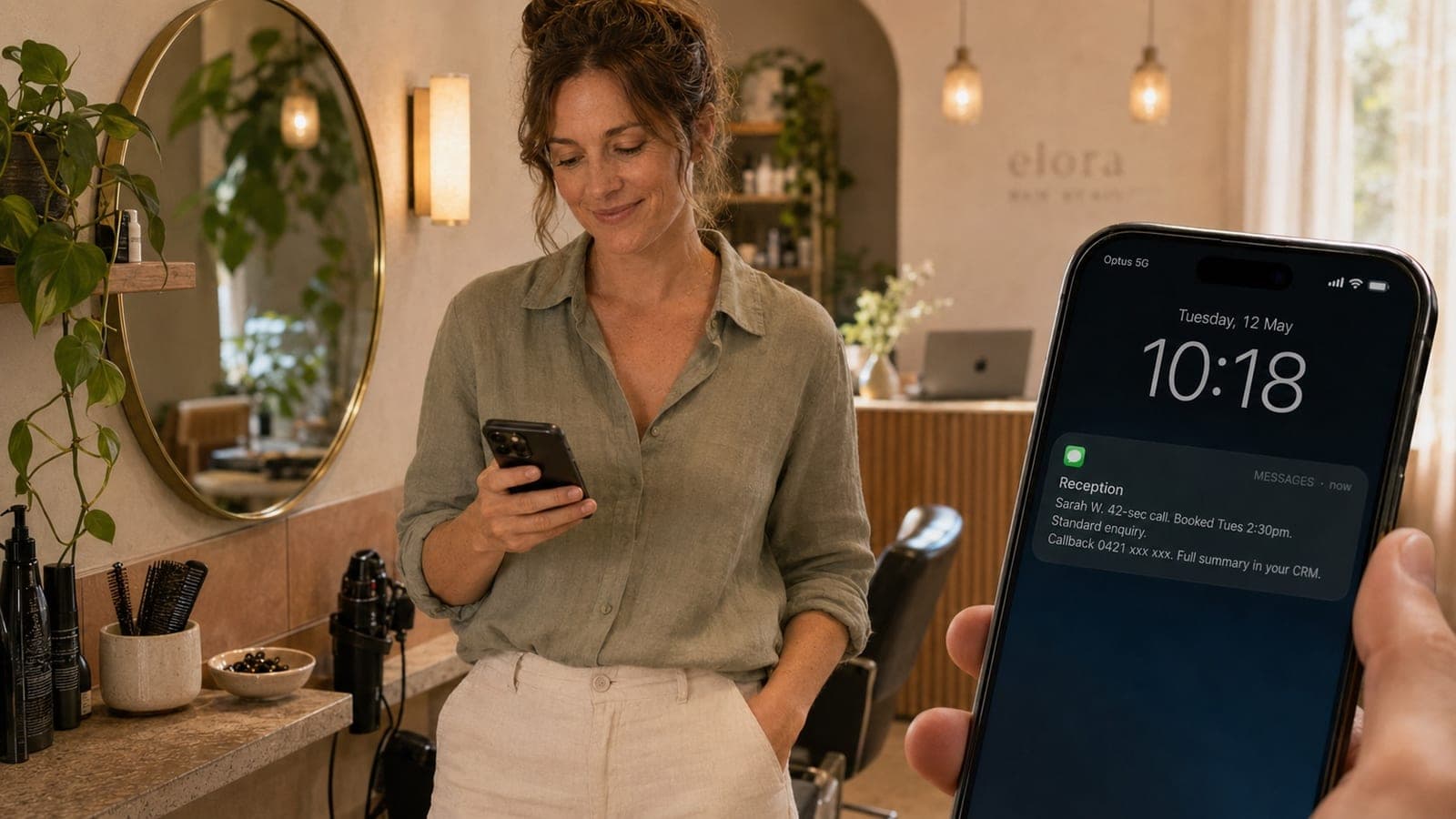
It sends you a summary text. Within a minute of the call ending, your phone gets a plain-English summary. Customer name, what they want, how urgent it is, what was agreed, the recording link if you want to listen to the actual call. You can read it in ten seconds between jobs. No voicemail to listen to, no transcription guesswork.
It answers basic questions. Hours, service area, what kinds of jobs you do, rough pricing if you've set ranges. The receptionist is trained on your business specifically, so it doesn't read a generic script. It knows whether you service Bayside, whether you do weekends, and whether you charge a callout fee.
It handles multiple calls at once. Three customers ring at the same time, all three get answered, all three get a proper conversation. That's the part most owners underestimate. Even a great human receptionist can only hold one call at a time.
What it can't do (yet)
Being honest about the limits is more useful than overselling the capabilities. Here's where it's still weaker than a human:
Long, rambling conversations. If a customer wants to chat for fifteen minutes about their renovation plans before getting to the point, a human receptionist gently steers them. An AI can do this, but it's not as smooth. It works best when the call has a clear job to do.
Reading tone. A human can tell the difference between a customer who's stressed and a customer who's just direct. The AI is getting better at this, but it's not as nuanced. For genuinely upset customers, the right move is usually a human callback within minutes, which the system can flag automatically.
Judgement calls outside its training. If a customer asks for a quote on a job type you don't usually do, or a delivery to an address two hours outside your normal area, the receptionist doesn't guess. It takes the details and flags it for you to decide. That's the right behaviour, but it's slower than a human who could give an instant call on whether to take the job.
Building a relationship. A first-time enquiry where the customer wants to feel the business out before booking, or a long-time customer who specifically wants to speak to the owner, are conversations that a human is better at. A good AI receptionist recognises both situations and routes them appropriately, but it doesn't pretend to be the owner or replace the relationship.
Background-noisy calls. Customers ringing from a noisy job site or a moving car can be harder for the AI to follow than for a human. It usually asks them to repeat, which works, but it's slightly clunkier than a human picking the words out of the noise.
What happens when it doesn't know the answer
This is the question most sceptical owners ask, and it's the right question. The honest answer is the receptionist is trained to recognise when it's out of its depth and hand the call over rather than guess. In practice that means:
The customer asks something the receptionist isn't trained on. The receptionist says something like "that's a great question for the team, can I take your details and get someone to call you back within the hour?" It books the callback, sends you the summary, and flags it as needing a human follow-up. The miss becomes a documented job, not a dropped call.
You can also set rules about which calls get escalated straight to your mobile in real-time versus which ones are queued. A new customer ringing about a $30,000 fit-out can pop your phone immediately. A returning customer wanting to reschedule a Tuesday appointment can be handled fully by the receptionist without bothering you at all.
A realistic call flow
Here's what a normal call actually looks like, end to end.
The phone rings. The receptionist picks up in under a second. "Thanks for ringing [Your Business], you're speaking with the booking line, how can I help?"
The customer says they've got a hot water system that's stopped working this morning, they're in Cleveland, and they want someone out today.
The receptionist asks for their name and address, confirms the suburb is in your service area, asks one or two clarifying questions about the system, and then offers two available time slots this afternoon. The customer picks the earlier one. The receptionist confirms the booking, says they'll get a text confirmation in a minute, and ends the call.
Within sixty seconds, your phone shows a summary: "Sarah Williams, 14 Wynnum Road Cleveland, hot water system not heating, booked Tuesday 13 May 2:30pm, urgent, callback number 04xx xxx xxx." You read it between jobs. The booking is in your calendar. The customer has a confirmation in their messages. The slot is locked in.
That's the whole interaction. From the customer's side, they got through, got booked, got off the phone. From your side, the job landed without you reaching for your phone.
How to actually judge it
The best way to work out whether an AI receptionist would suit your business isn't reading about one. It's hearing one talk. Tone, pacing, accent and how it handles a real conversation are the things that decide whether your customers will trust it on the phone, and none of those are visible in a sales page or a feature list.
We've put a live demo of our receptionist on the homepage of the website for exactly this reason. Drop your number in the demo box and the receptionist will ring you back within the next few minutes. A 60-second conversation, and you'll hear exactly what your customers would hear if they rang you. No card details, no signup.
If you want to skip the demo and have a 30-minute conversation about whether this fits your specific call flow, book a discovery call. We'll work through how your current calls go, what's slipping through, and tell you straight whether this is the right fix for your operation.